


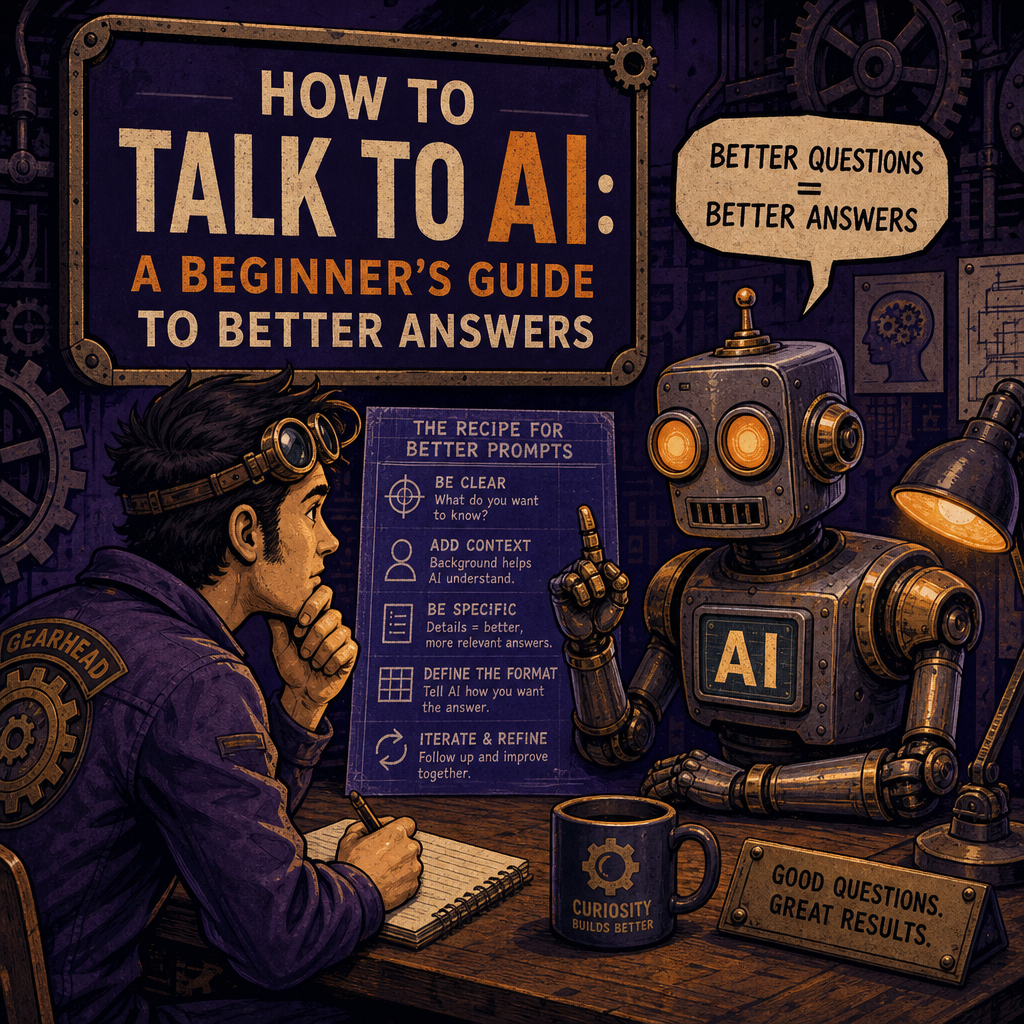
AI can write, summarize, explain, brainstorm, organize, and help solve problems. But the quality of the result depends heavily on how you ask.
You don’t need to be technical to get useful answers from AI. You just need to provide enough context for the AI to understand what you’re trying to accomplish.
Start With the Goal
The first thing to explain is what you want the AI to do.
Instead of writing:
Marketing help
Try:
Give me five marketing ideas for a small landscaping company that wants to attract more residential customers in spring.
The second request gives the AI a clear goal, audience, industry, and timeframe. That means the answer is more likely to be practical instead of generic.
Add Context
AI doesn’t automatically know your business, preferences, audience, or limitations. Include the details that matter.
For example:
Write a short email to a long-term client explaining that their website project will take longer than expected. Keep the tone professional, honest, and reassuring. Don’t blame the client or make promises about a specific completion date.
That prompt establishes the situation, audience, tone, and boundaries. Those details help the AI produce something you can actually use.
Tell It Who the Audience Is
A message written for a developer should sound different from one written for a first-time business owner.
Compare these prompts:
Explain cloud hosting.
And:
Explain cloud hosting to a small-business owner who understands websites but has no technical background. Use a simple analogy and keep the explanation under 200 words.
The second version gives the AI a target audience and a format. That usually leads to a clearer answer.
Specify the Format
If you want a checklist, table, outline, email, social post, or step-by-step explanation, say so.
Useful instructions include:
-
“Put the answer in a three-column table.”
-
“Give me a numbered checklist.”
-
“Write this as a professional email.”
-
“Keep it under 500 words.”
-
“Start with a short summary.”
-
“Give me three options with pros and cons.”
AI is flexible, but it still needs direction. Format instructions are one of the easiest ways to make the output more useful.
Ask for a First Draft, Then Improve It
You don’t have to write the perfect prompt on the first try. Treat the conversation like a working session.
After receiving an answer, you can say:
Make this less formal.
Or:
Keep the same information, but make it sound more conversational.
Or:
Add examples for a small business owner.
Or:
Shorten this for a LinkedIn post.
The best results often come from a few rounds of refinement. That’s not a failure — it’s how collaboration works.
Ask AI to Point Out What’s Missing
One of the most useful prompts is:
What important information am I missing?
You can use this when planning a website, writing a proposal, preparing for a meeting, or making a business decision. AI can help identify gaps, assumptions, risks, and unanswered questions.
You can also ask:
What questions should I answer before moving forward?
That turns AI from a simple answer machine into a planning partner.
Don’t Treat Every Answer as Automatically Correct
AI can produce confident-sounding mistakes. For current information, technical decisions, legal questions, medical topics, financial choices, or anything else with serious consequences, verify the answer with an authoritative source or qualified professional.
A useful follow-up prompt is:
Which parts of this answer should I verify, and what sources would be most reliable?
AI is powerful, but it still needs human judgment.
A Simple Prompt Formula
When you’re unsure how to begin, use this basic structure:
I want to [goal].
Here’s the context: [important details].
The audience is [audience].
Use a [tone or format].
Keep it [length or limitation].
Ask me questions if anything important is missing.
For example:
I want to create a simple onboarding checklist for new employees. The company is a small software agency with remote and in-person staff. The audience is new hires with no prior knowledge of our internal processes. Use a friendly, professional tone and organize it by their first day, first week, and first month.
That’s already enough to produce a much better starting point than “make an onboarding checklist.”
Final Tip: Be Specific, Then Stay Involved
The most effective AI users don’t send one vague request and blindly accept the response. They provide context, review the result, ask for improvements, and verify important details.
Think of AI as a fast collaborator. The clearer your direction, the better the collaboration.